Book a demo

LIHTC SOFTWARE BUYER GUIDE

Don’t buy LIHTC software until it can prove the whole TIC.

Your state form, income verification, project election and layered funding can’t be reduced to a “LIHTC supported” checkbox. Use this buying guide to challenge vendors on the actual certification file—and bring that same file to an ExactEstate demo.

The test isn't whether the vendor says 'LIHTC.' It's what happens when the property has exceptions.

Choose your portfolio type to see the most relevant examples.

Ask about the project election before you trust the TIC.

Ask the vendor to set up the project as it actually exists: its minimum set-aside, applicable elections, state HFA, supporting documentation and layered requirements. Then watch what happens when information is missing.

Good LIHTC software knows the project elections, the unit designations, the rent and income limits actually in force, household composition, income and assets, the state or HFA context and its forms, the requirements tied to HOME, bonds or NHTF on the property, and where each recertification stands and who approved it.

A system that holds those as property facts behaves differently from one that holds them as fields somebody filled in. You find out which you are looking at by asking it a question that requires knowing them.

Make the vendor work through an actual over-income recertification. Can it show the project’s Average Income Test election if applicable, calculate the relevant threshold and track the Next Available Unit Rule by building? Ask to see affected comparable-or-smaller units and the review trail—not just a generic 140% warning.

ExactEstate flags the building and lists its over-income households, so your specialist picks the next comparable unit with the facts in front of them. See how ExactEstate’s LIHTC compliance software handles each of these.

What LIHTC software should know: elections, unit designations, the rent and income limits in force, household composition, income and assets, state and HFA forms, and layered program requirements.

INCLUDED IN CORE

Get the TIC signed from the household record.

Send the TIC, lease and recertification notices for signature with ExactSign, included in Core. Residents and staff sign from any phone.

EEva Vision: turn documents into information you can review.

Spend your time checking the paystub, not retyping it. EEva Vision extracts fields from uploaded documents and keeps source-page references for review.

  • 149 of 150 form fields read exactly, 99.6% word accuracyExactEstate

Bring a real LIHTC file to every software demo.

Anyone can show a blank TIC form. Make the demo start with a real household record and continue through validation, review and the state form or supported export.

Then recertify the same household and watch which facts carry forward on their own and which have to be typed again.

What changes for your team

Minutes of paperwork become seconds.

Published government and industry benchmarks, next to the same work in ExactEstate.

Reply to a leasing inquiry

Industry average: 11.8 hours

0.26 sec, 24/7

EEva starts answering out loud almost instantly, day or night.

EliseAI mystery shop

Leasing calls

Up to 54% of calls missed

Answered 24/7

EEva Voice Agent picks up the call your team can't, so a prospect never lands in voicemail.

LeaseHawk customer data

Maintenance calls

Average repair: 6.13 days

Work order on the call

EEva Voice Agent opens the work order while the resident is still on the line.

Property Meld benchmark

ExactEstate times are typical (median) results from real use; certification times cover generating the certification. An empty unit costs about $50 a day in rent (U.S. Census median rent).

Layered HOME and bond rules need more than a checkbox.

A property with multiple funding sources tests whether the software can keep distinct rules straight—not simply display multiple badges.

"Supports layered funding" is a sentence, and sentences are cheap. Put your actual project stack in front of the system and watch what it does with a unit that carries two programs whose requirements disagree. If you run more than one program, see how affordable housing compliance software keeps each program’s rules apart.

Why layered properties are the hardest test: a unit carrying two programs must meet the requirements of both, and HOME, tax-exempt bond and NHTF are distinct funding layers on top of LIHTC.

EEVA PORTFOLIO INTELLIGENCE

Keep the work moving after the certification is signed.

Once you’re live, the workflows keep each TIC on schedule. Your team makes the decisions.

Start every TIC recertification 120 days out.

Recert on Rails sends each household its notices and document requests by email and text at 120, 90, 60 and 30 days, reviews the verifications that come back, drafts the TIC and books the interview. Your compliance staff sign it off.

Close overdue TICs before the file review.

Every morning, Audit Ready finds missing and expired evidence and overdue certifications in each household file, sends the household a document request and gives staff a task to close the gap, then helps assemble the file for review.

Act on new income limits property by property.

When published guidance or values change, such as new HUD income limits, Rule Change Response shows which workflows and household files are affected and what the change could mean, and gives each affected LIHTC property a task to review them and queue any notices. You approve each change before it takes effect.

Every flagged document gets a human review.

When an application comes in, Screening Shield checks every document for signs of tampering, adds bank-verified income where it is available and puts any concerns in one packet, with the reasons, for staff to review. It never contacts the applicant and never approves or denies anyone.

Let specialists make the decisions. Let software handle the busywork.

Good software refuses to decide anything it does not have the facts for. Ask each vendor to show you a case their software refuses to decide.

A system with no refusal cases is not more capable. It will produce an answer whether or not it has what the answer requires, and you will not find out which until an audit.

The good version names what is missing: the election that was never recorded, the jurisdiction whose rule has not been configured, the authority it could not cite.

The questions that separate a good demo from a good product.

Ask these nine questions, in the same order, against one project from your own portfolio. Vendors control their own demos, so comparing them means bringing the scenario yourself and staying on it. Pick your layered property if you have one. Copy or print the list; it is not a lead form.
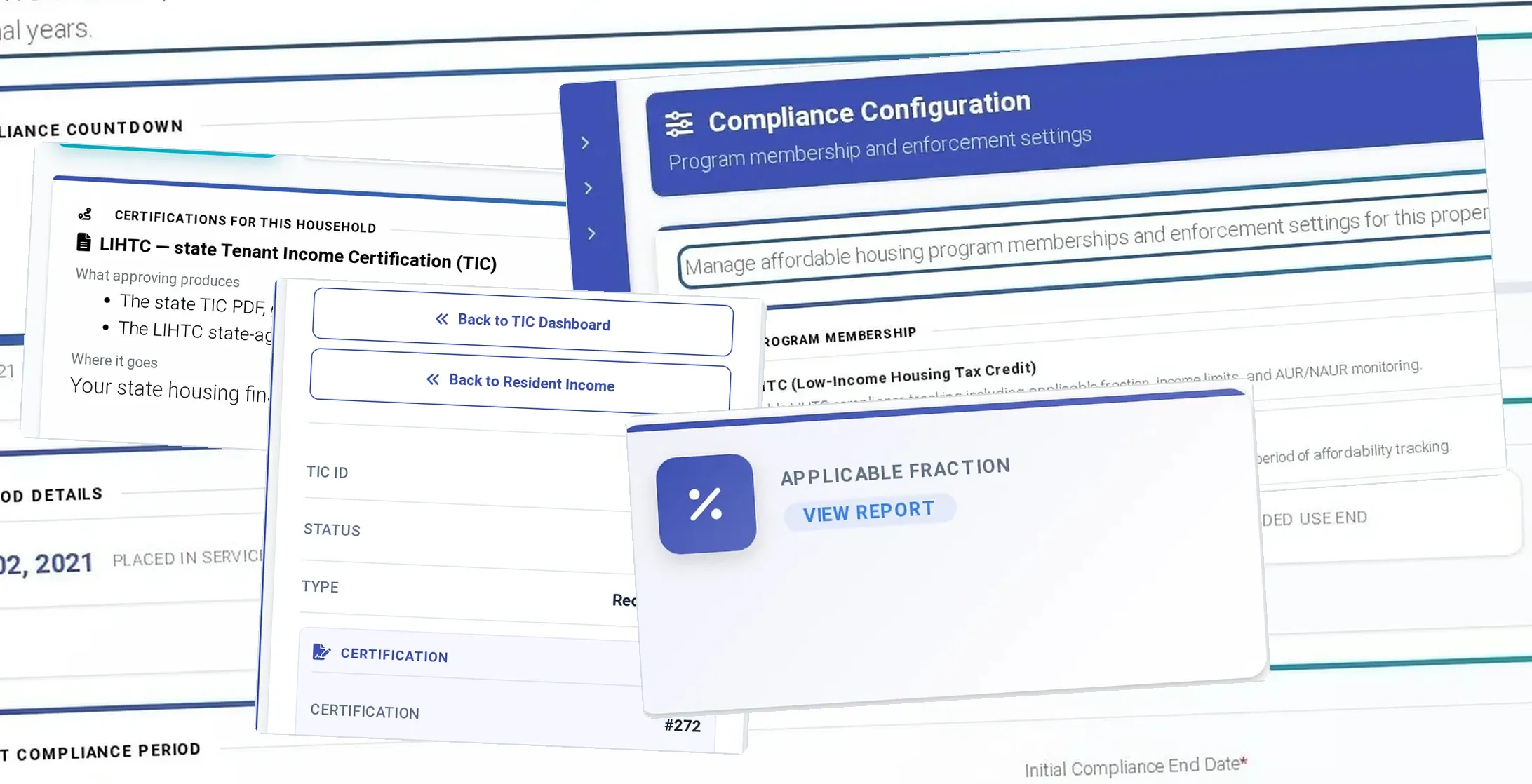
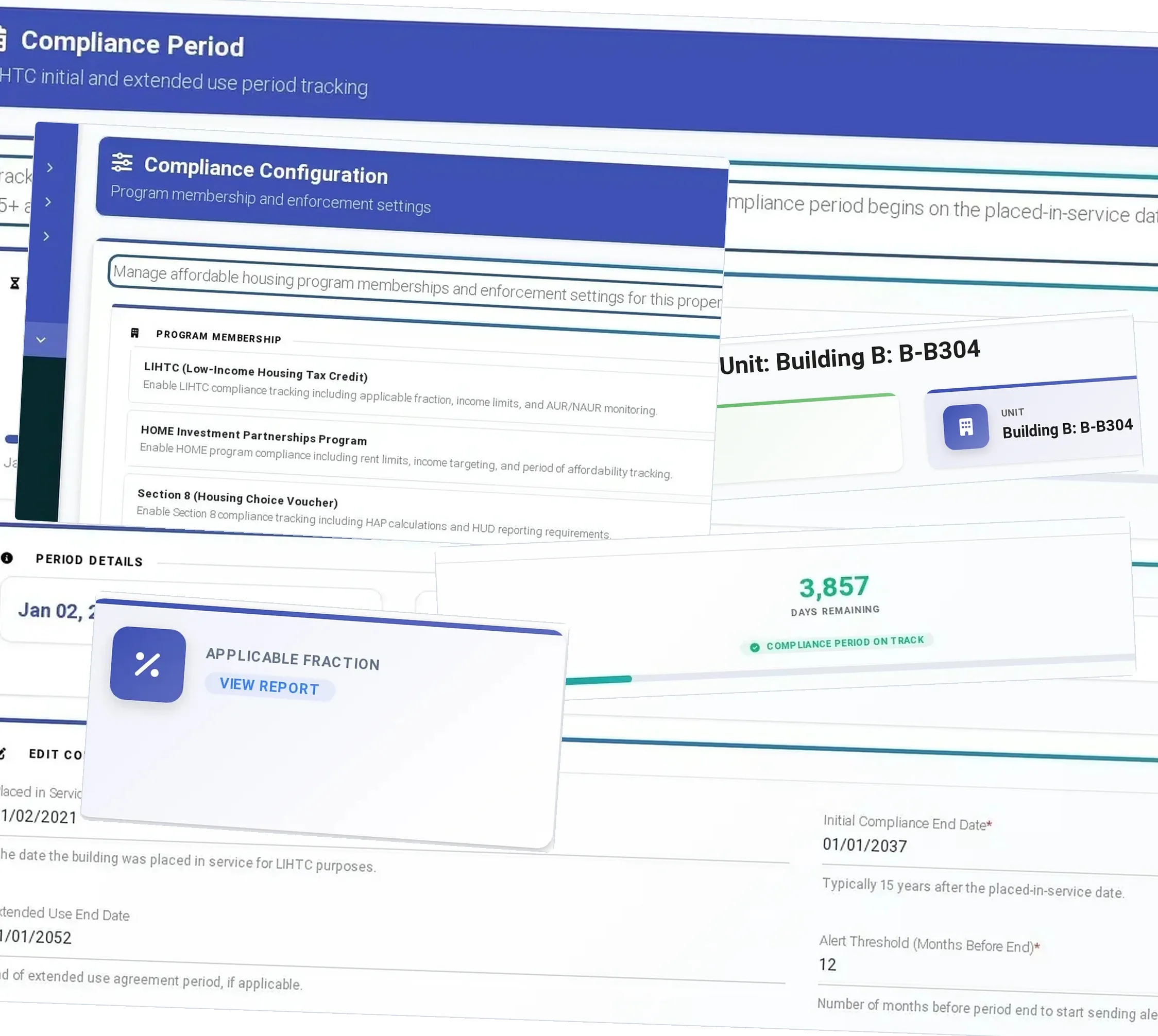
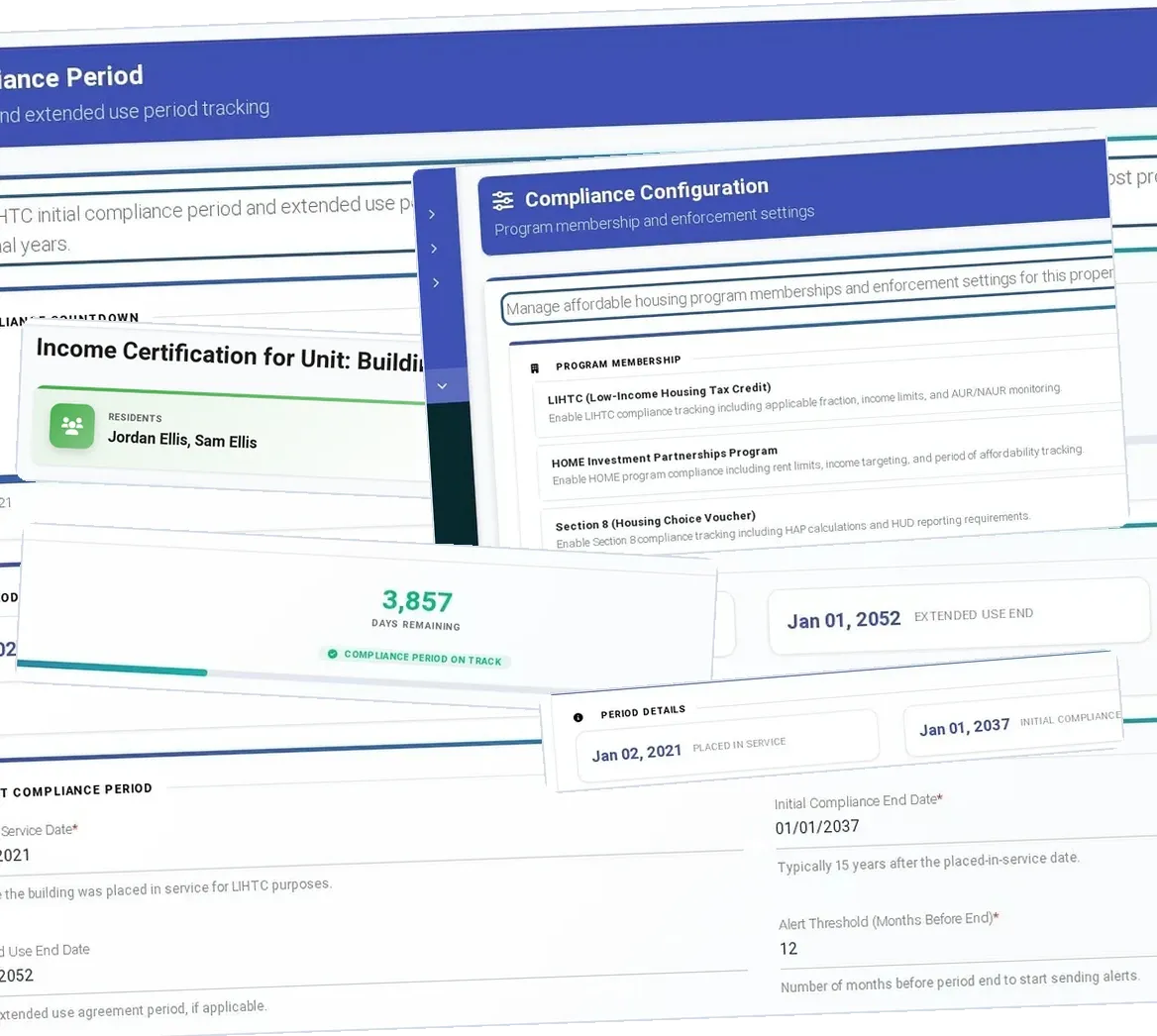
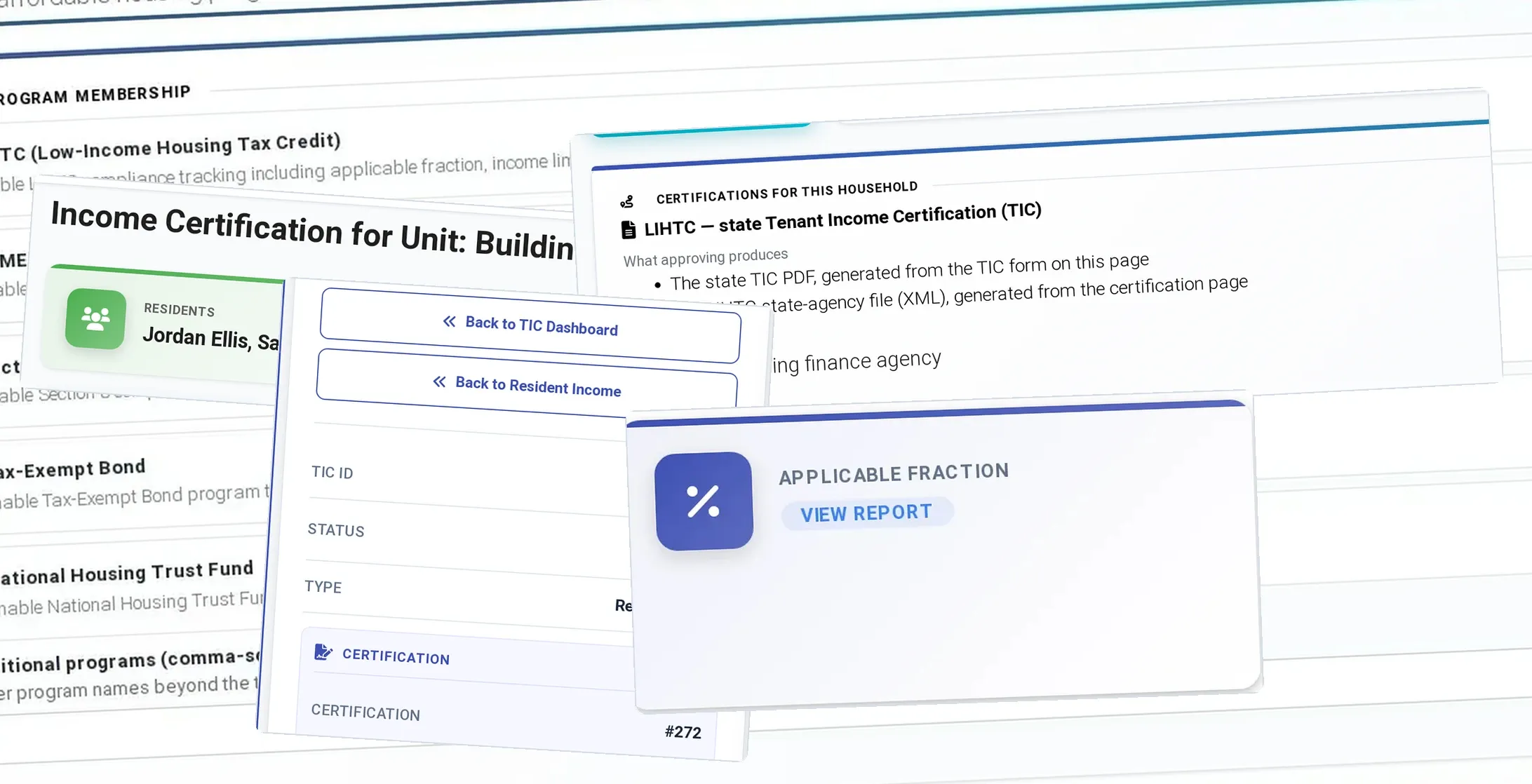
  1. Project setup. Show where the system holds the minimum set-aside election, unit designations and the income and rent limits in force. Ask where the TIC reads each one from.
  2. One household, application to TIC. Certify a real household from your files. Count each fact that has to be typed twice.
  3. The 140 percent recert. Recertify that household above 140 percent of the limit. Ask what the system does about the available unit rule, building by building.
  4. A layered unit. Run a unit carrying LIHTC plus HOME or Section 8. Ask which limit wins and where the screen shows it.
  5. HOTMA. Ask how the asset threshold, updated deductions and the medical-expense phase-in are applied, and whether the adoption date is set per property. Score your own readiness first with the free HOTMA compliance assessment.
  6. State reporting. Ask which state TIC form and HFA export it produces for your state, and look at the actual file.
  7. A refusal case. Ask for a case the system will not decide, and what it says is missing.
  8. The file history. Ask who generated, approved and verified each certification, and where that is recorded.
  9. The price. Ask for the per-unit price in writing, covering each program the property carries.
Nine questions to ask each LIHTC software vendor against one of your projects: project setup, one household to TIC, the 140 percent recertification, a layered unit, HOTMA, state reporting, a refusal case, the file history and the price.

ALSO IN EXACTESTATE

Residents · Compliance

Let residents submit documents before staff begin reviewing.

Residents enter wages, assets, benefits and expenses in the portal, so your team starts each certification with the information already in hand.

Income and asset self-certification

Source: HUD PD&R Admin Fee Study

Compliance

See missing documents before certification.

Review document checks alongside the program requirements, and see what still needs attention before certification.

Two-layer document compliance

Residents · Compliance · AI

Review document concerns before approving the file.

EEva Vision flags documents that look altered and EEva Verify adds bank-verified income, so your reviewer sees every screening signal in one place.

EEva Vision document check

Leasing · Compliance · AI

See identity, income and document checks in one place.

Review photo ID verification, verified income and document checks in one packet, with every concern laid out for your reviewer to decide.

EEva Verify

Accounting · Compliance · AI

Catch differences between the lease and the ledger.

Find charges that need a closer look. EEva compares lease and certification details with the ledger and shows the records behind a flagged difference.

Lease-to-ledger audit

Compliance

Find the compliance forms tied to your property.

Start with the forms that belong to your property instead of searching a shared drive. Review suggested HUD, LIHTC and state forms, preview the set and download the package.

Compliance document library

AI · Compliance

Find compliance issues before the auditor does.

Spend review time where the findings are. Risk signals rank which household files your specialists should open first.

EEva Portfolio Intelligence: Compliance-violation risk forecast

Source: “Owner failed to provide annual certifications or provided incomplete or inaccurate certifications” IRS Form 8823, line 11d

Get help with your state-specific workflow.

Example — sample data

You ask

Lone Oak (sample) is a Texas LIHTC property. Who does it report to, and can ExactEstate build that agency's XML?

EEva

Lone Oak (sample) reports to TDHCA. TDHCA takes its own XML format rather than NAHMA's, so staff file there directly, and ExactEstate produces the Texas state TIC form.

Record it cites: Lone Oak (sample) — compliance profile: state agency profile

Sign up once with your name, work email, company and unit count to explore the EEva sample demos.

These examples use sample properties and households. The public EEva demo does not access customer records.

LIHTC IN EXACTESTATE

Check the forms your properties actually need.

State TICs and NAHMA LIHTC XML are built from the household record and checked before signature, so the file audit finds nothing new.

  • State TIC (PDF)

    State TIC forms are live for Alaska, Florida, Georgia, Maryland, New York and Texas.

  • NAHMA LIHTC XML

    ExactEstate exports NAHMA LIHTC XML for the state HFAs that accept it, and staff upload the file at the HFA portal.

  • Income and rent checks

    When a recertification is approved, ExactEstate checks the 140 percent rule, and a household over 140 percent of the current limit raises an over-income event.

  • Average income test

    When the property turns it on, average income test validation keeps unit designation averages at or below 60 percent.

Good to know

  • The set-aside election is stored on the project, and staff confirm the ongoing set-aside percentage at review.
  • HOME income and rent checks switch on per property, and each unit then carries its High or Low HOME rent.

Moving from your current system

Bring the exports from your current system: households, TIC history and balances. The setup wizard maps the columns and validates the data before go-live.

We plan the move, load your certification history and train your compliance team. After launch, EEva walks staff through routine tasks right in the app.

Book a LIHTC demo

Affordable Housing is $5 per unit per month, compliance included, with a $300 monthly minimum.

CUSTOMER RESULTS

See what customers say about their compliance time.

If compliance work is eating your team’s week, start with NuRock: about 70% less compliance time. Then use the checklist above to make every vendor, us included, prove it on your own file.

NuRock Companies

About 70%less compliance time

NuRock got time back without adding staff: the company reports about 70% less compliance work across a 500-unit portfolio segment, and move-ins dropping from 15 minutes to five.

“Even though the workload is the same... I feel like I have more time just by using ExactEstate.”Juan Carlos Belen, IT Director, NuRock

Read the NuRock case study

Heritage McDonough

75% lowermerchant fees, plus 30–40% less admin time after a 72-hour launch

After a 72-hour launch, Heritage McDonough reports 30–40% less administrative time and a 75% cut in merchant fees. See what changed behind the numbers.

“With ExactEstate, everything is fast, simple, and clear. My residents get help immediately.”Dayana Belen, Asset Manager, Heritage McDonough

Read the Heritage McDonough story

Hocking View Apartments

$10,000+saved per year

Hocking View Apartments reports saving more than $10,000 a year after switching to ExactEstate. Read the story behind the number.

“The customer service is outstanding… ExactEstate is a customizable platform with immediate responses. They’ve truly delivered for us.”Joe Gieringer, Owner, Hocking View Apartments

See customer results

PLAN YOUR MOVE

Know what the right plan will cost.

The TIC, household data and state exports are all included in Affordable Housing. Add EEva capabilities only where they earn their keep.

$5 / unit

Affordable Housing, per unit per month, compliance included, with a $300 monthly minimum.

Get ready to go live

Before go-live we line up project setup, TIC history, matched balances, staff access and training. Our team stays with you through go-live.

Move your data with help

Bring the reports your old system produces. ExactExtractor maps the familiar columns and flags uncertain matches for your compliance team before import.

Bring the buyer’s checklist. Then make us prove it.

Take one layered project to every vendor and ask the same questions in the same order.

See pricing

ExactEstate product screens for this page